Internet Explorer 11

IE11 delivers the best daily browsing experience for getting to your sites quickly and using them together with Windows Store apps in Windows 8.1. The design focuses on touch interactions for daily browsing, making the web accessible through natural gestures.

IE11 supports up to 100 tabs per window and manages them efficiently so browsing always feels super-fast. Tabs that haven't been used recently won't use your system resources or drain your battery.
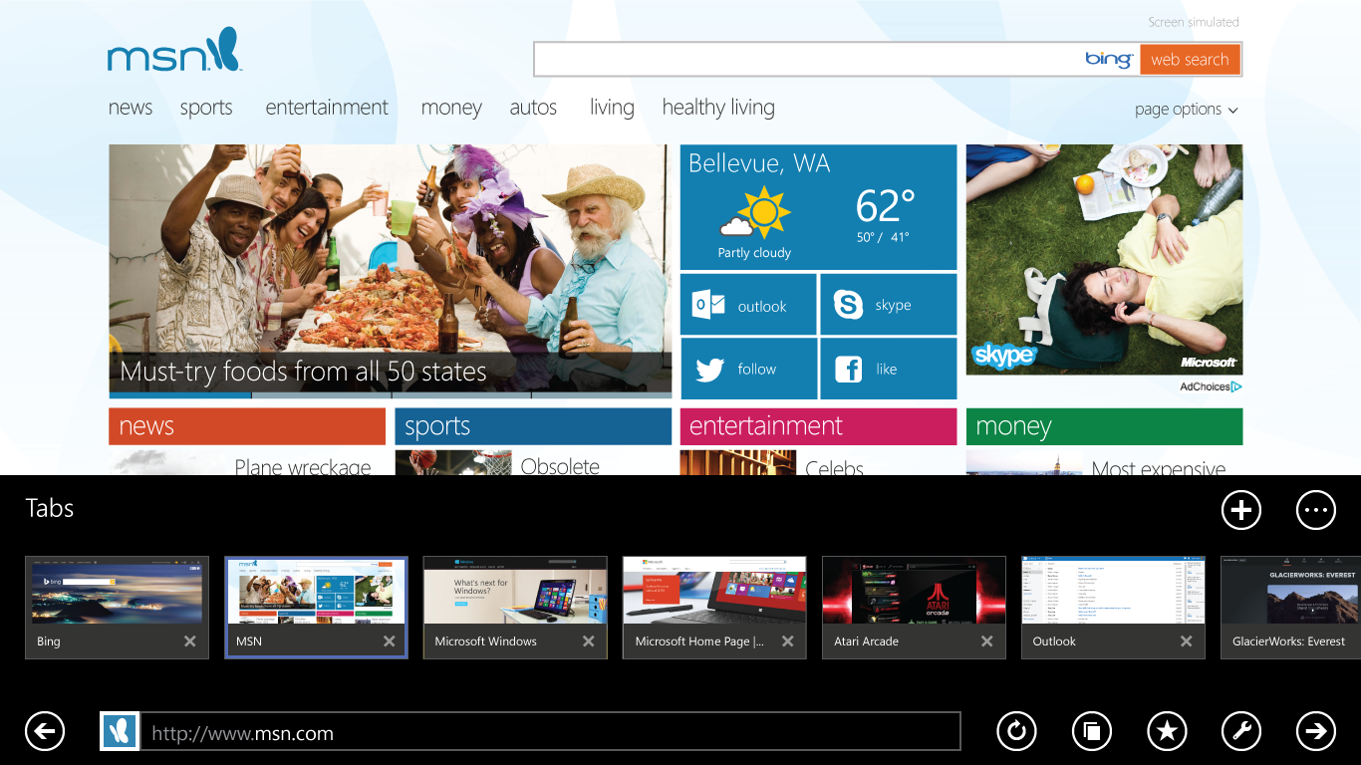
Internet Explorer 11 interface optimized for touch
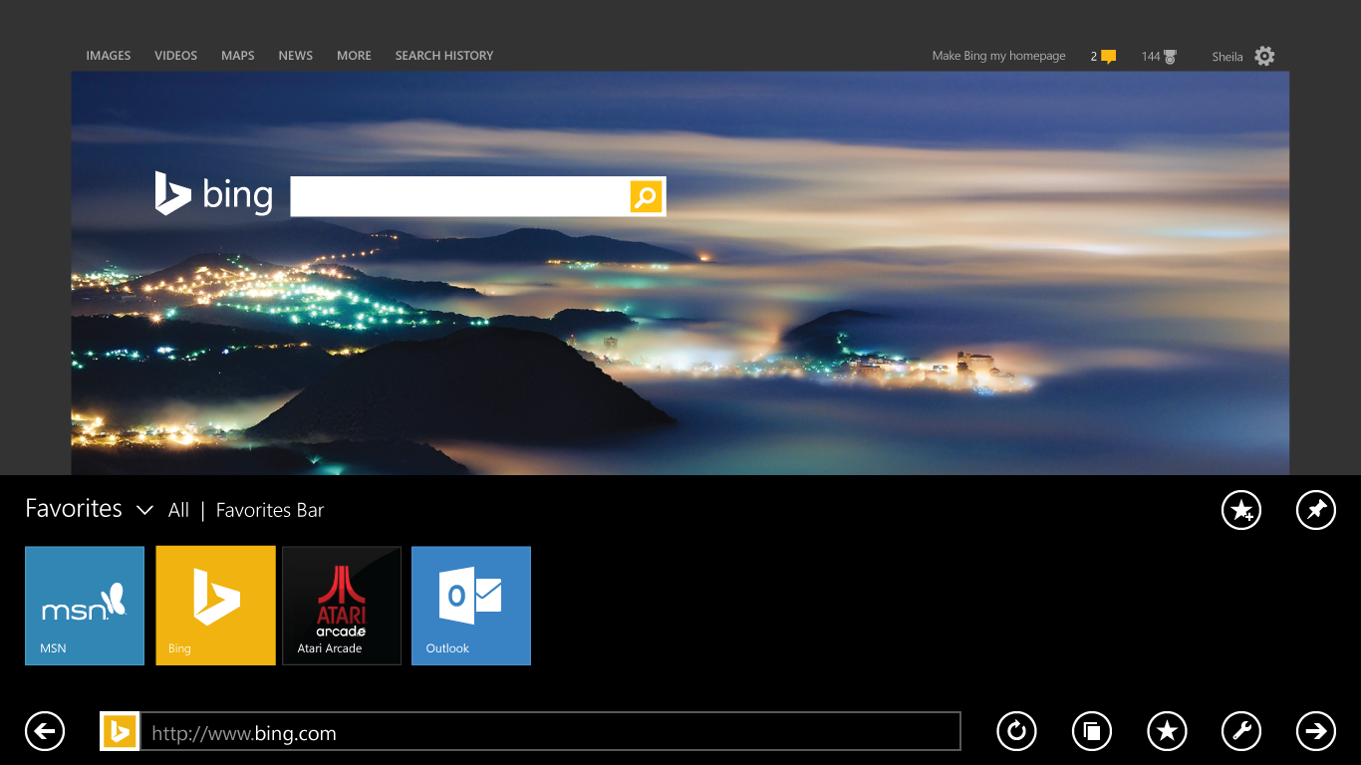
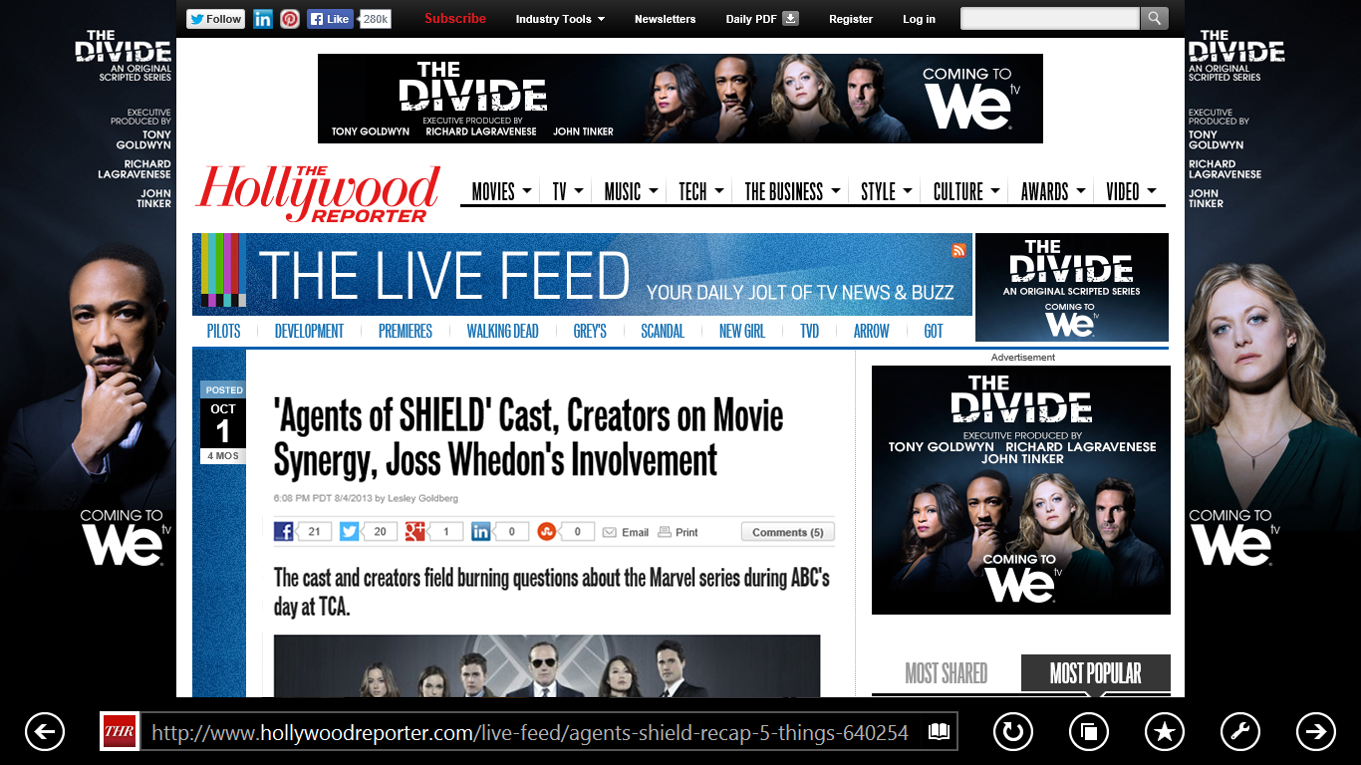
Dedicated favorites center organized with familiar folders

The Return of Favorites

We listened to your feedback on IE10 and know that in order to get to your favorite sites fast it is important that they are organized and easy to find. The new dedicated favorites center is only a tap away using the star button.

Reading View

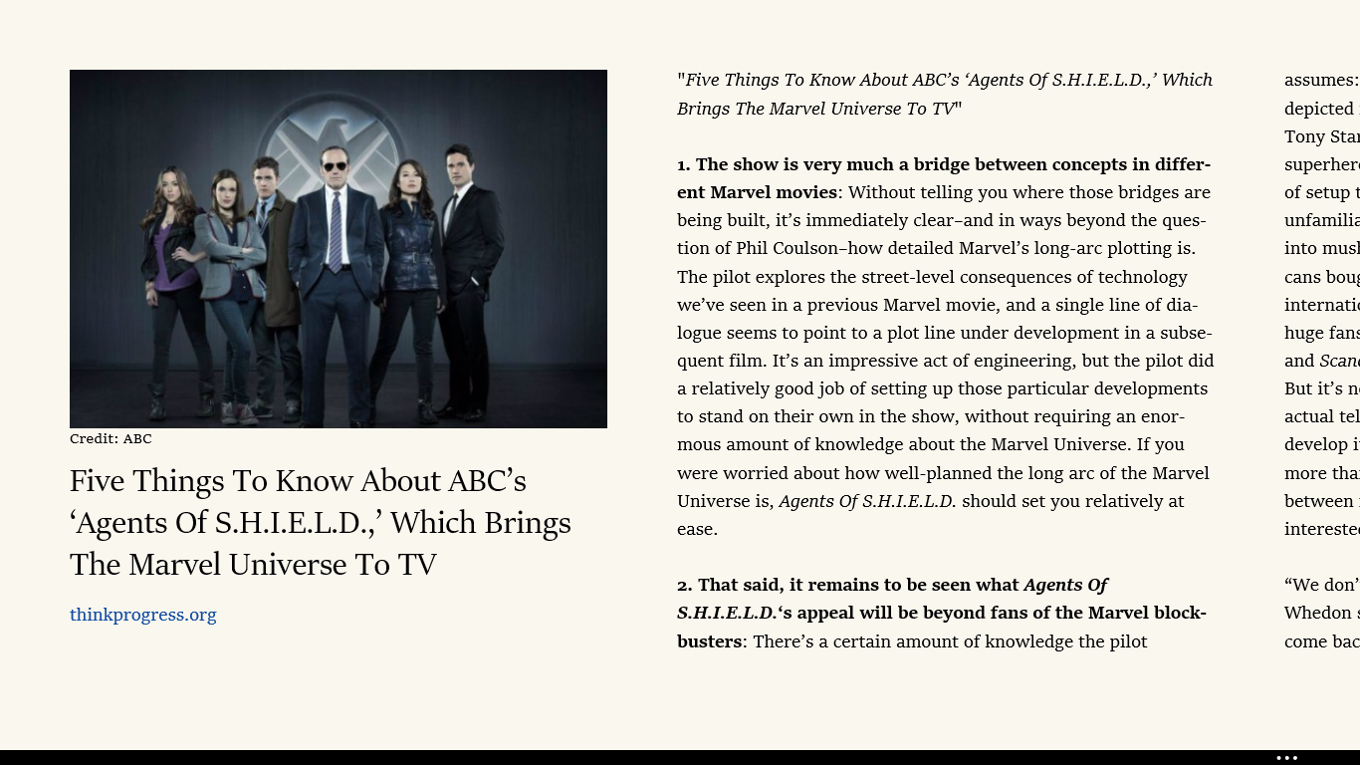
Reading view is a new feature in Internet Explorer 11 for Windows 8.1 that helps you focus on the main content of the Web page you want to read.

Reading view is a way to experience just the article or blog post you want to read, without the distractions of related (or unrelated) content surrounding the story. There are many things that can contribute to the readability of a page such as font choice, line length, white space, paragraph markers, line spacing, kerning, contrast, and placement of images.

Reading view removes distractions for focused reading

Typography and layout optimized for comfortable reading

Next: IE 9 - Beauty of the Web

Marty Hall International Logo

Check out my About or Resume